Part -2
How to block Youtube ads
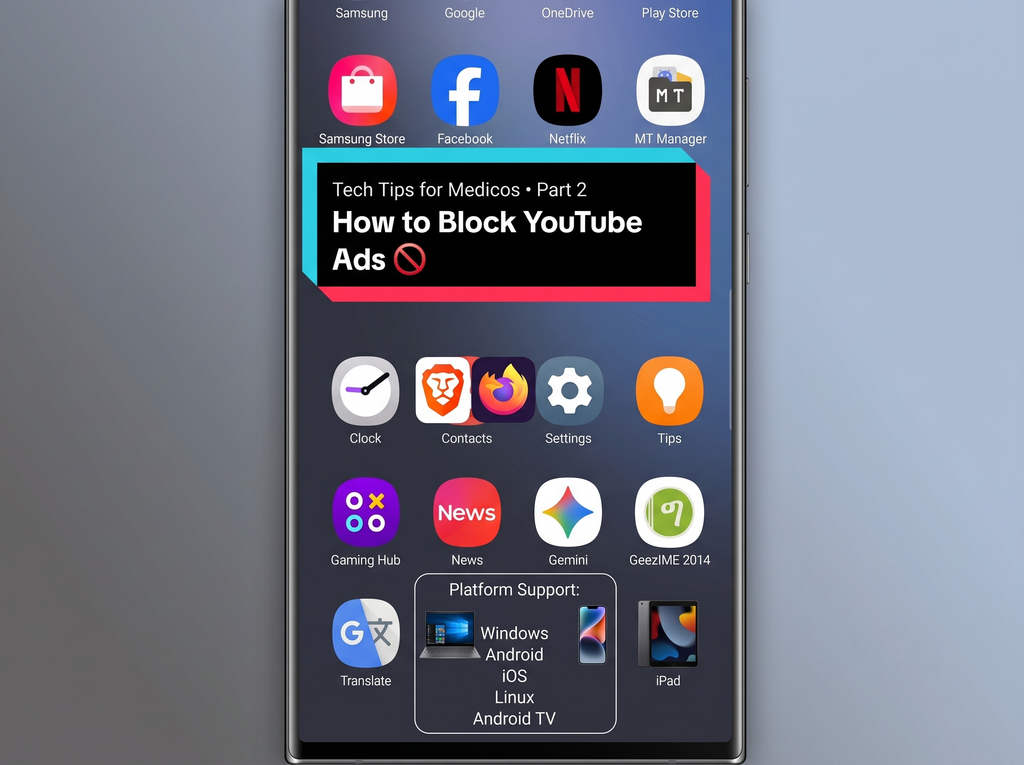
Youtube ads are really irritating isn’t it? Especially the non skippable ones. One thing you can use is to subscribe to premium. But you don’t really need to do that. It just takes few minutes depending on the platform. Let me explain how.
Easiest way
For all platform Just install Brave Browser.
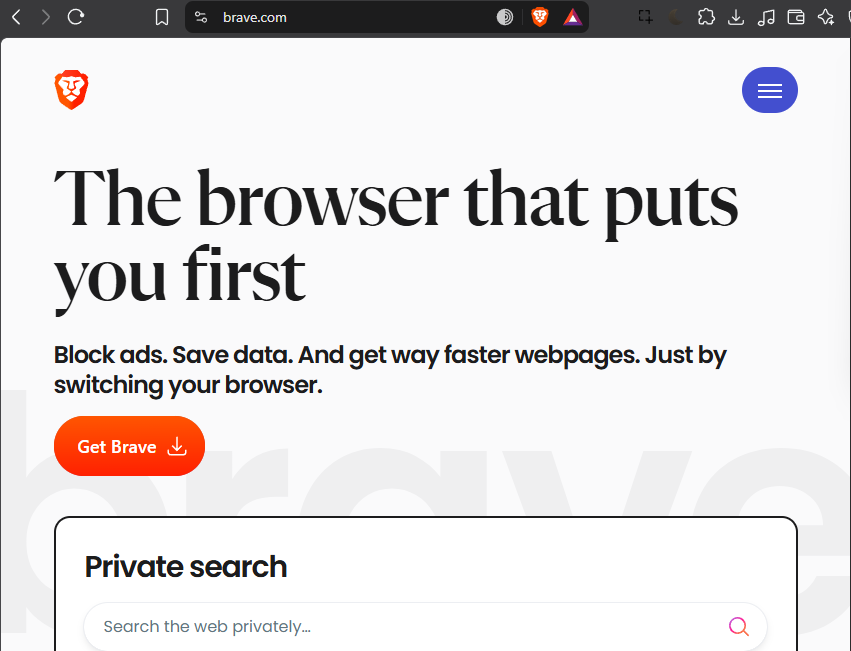
It’s a browser based on chromium (Sort of like Google chrome). You can import your bookmarks, passwords etc. while you install Brave.
Brave Automatically blocks Youtube ads in whatever platform you are using.
Once you installed brave on one of your devices, and imported data from your old browser, you can sync the data across other devices. Here is a video on how to do it.
Now lets see how to block the useless sponsored part from videos.

There is a browser extension which can help you with that. You need to go to Brave browser, Settings – Extensions – Visit webstore.
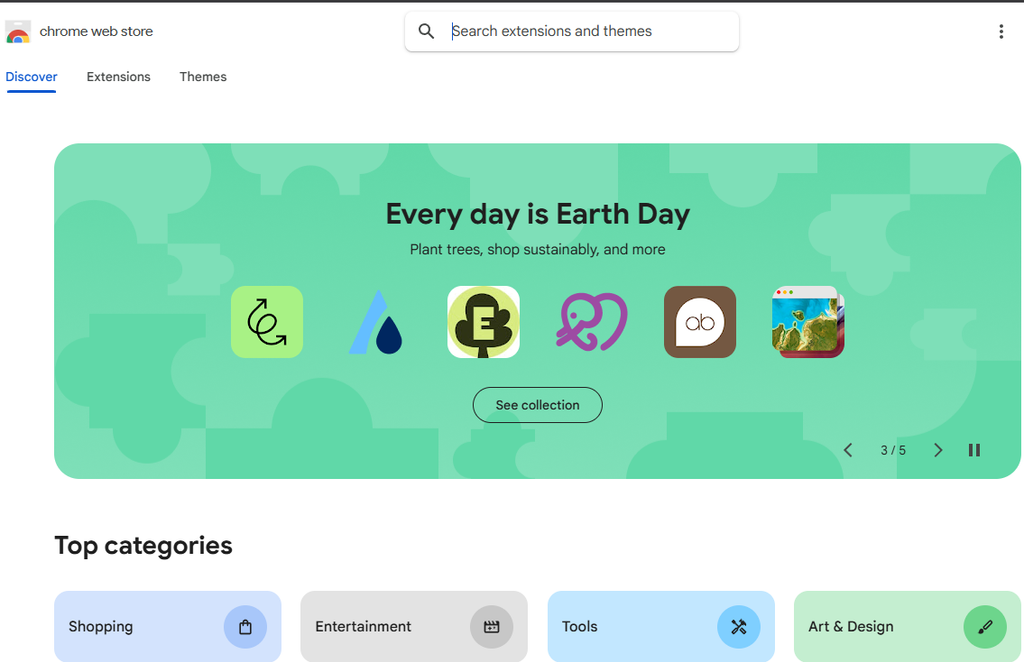
Search for Sponsor Block
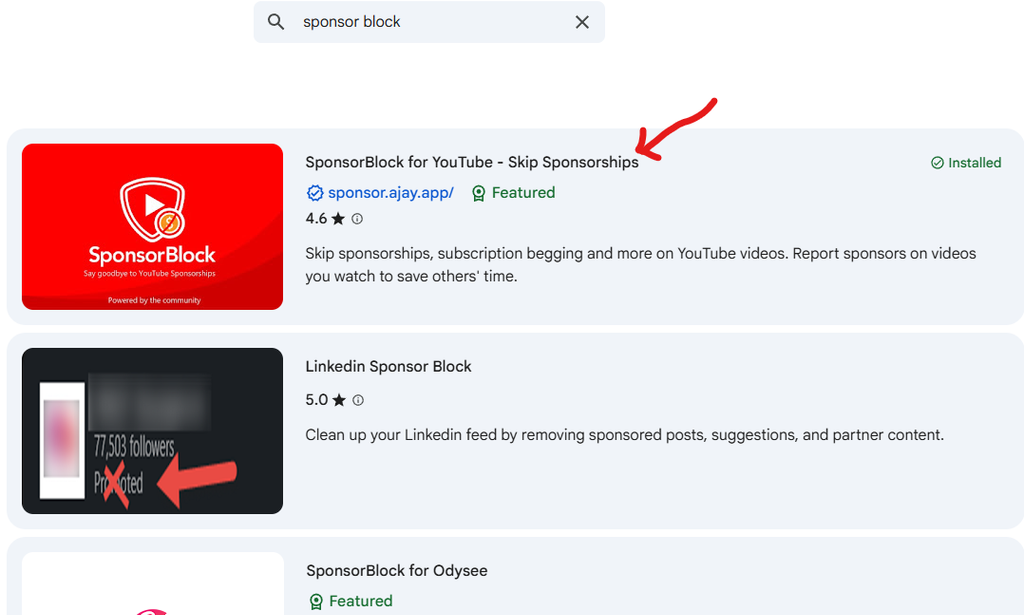
— Add to Brave.
Default options are enough for basic sponsor blocks.
That’s it.
For those who are willing to do a bit more.
- Install Firefox – install an extension called uBlock Origin.
- For android there is are modded version of Youtube with built in ad and sponsor blocks.
I recommend using Morphe Youtube. Go to their Github Page. Install Morphe manager. Install MicroG-RE and Morphe youtube.
For Android TV
- For android TV, you need to download an app called Smarttube. It’s obviously not there on playstore, so you need to download the apk file from their Github page.
- Now you need to transfer the apk file into your smart tv. There is a simple app for that, its called Send files to TV
- Learn how to send the apk files from our mobile devices to android TV. Here is a video.
Once you you transfer the apk file, click on the downloaded file in the send files to tv app on your tv, and give permission to install from unknown sources.
Then open Smarttube in your Android TV and login.
That’s it.
Leave a Reply